- Tech Stack
- HTML5, CSS3, Vanilla JavaScript, HTML5 Canvas, LocalStorage API, File API, Clipboard API, Vercel
- Description
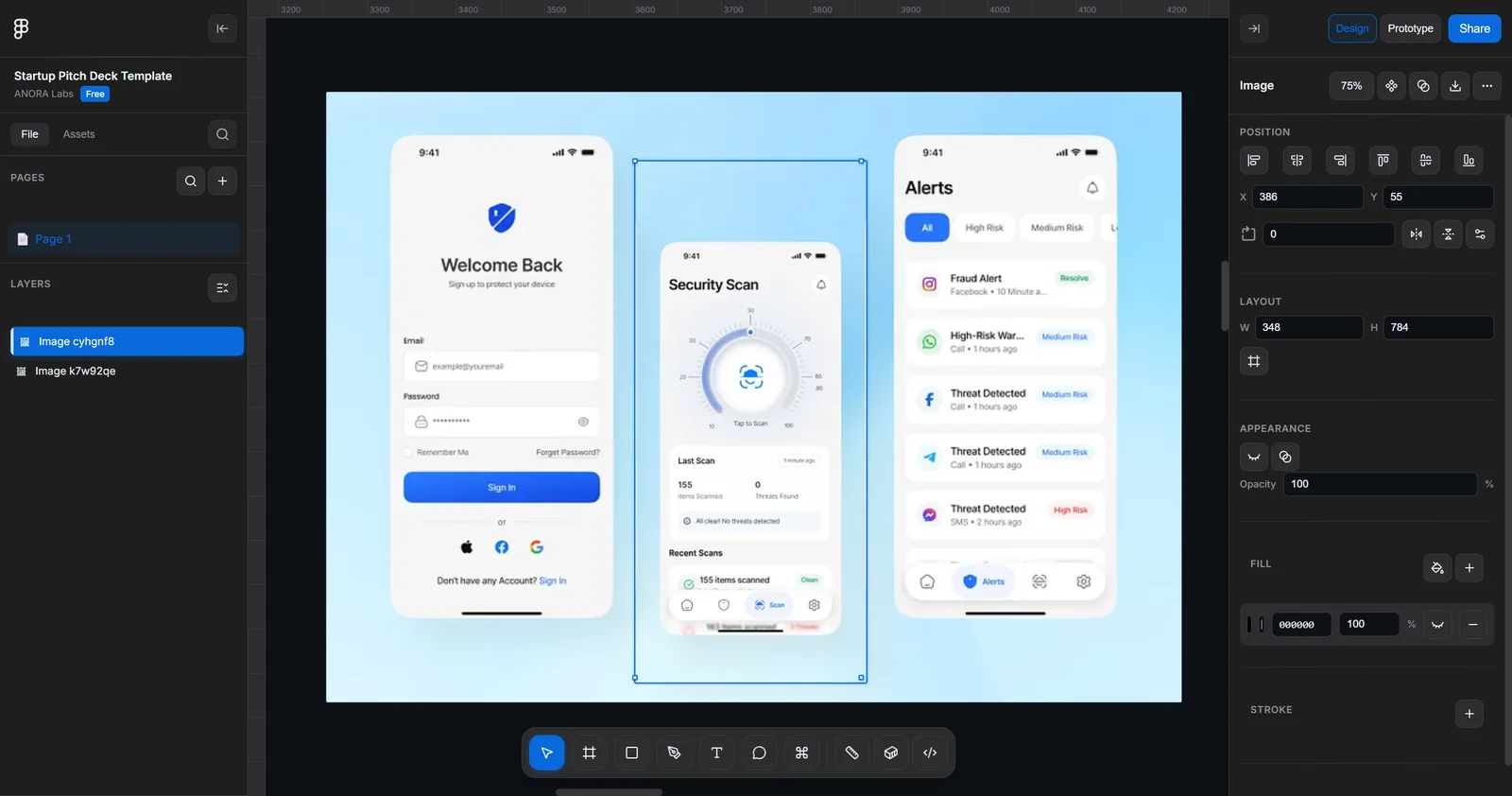
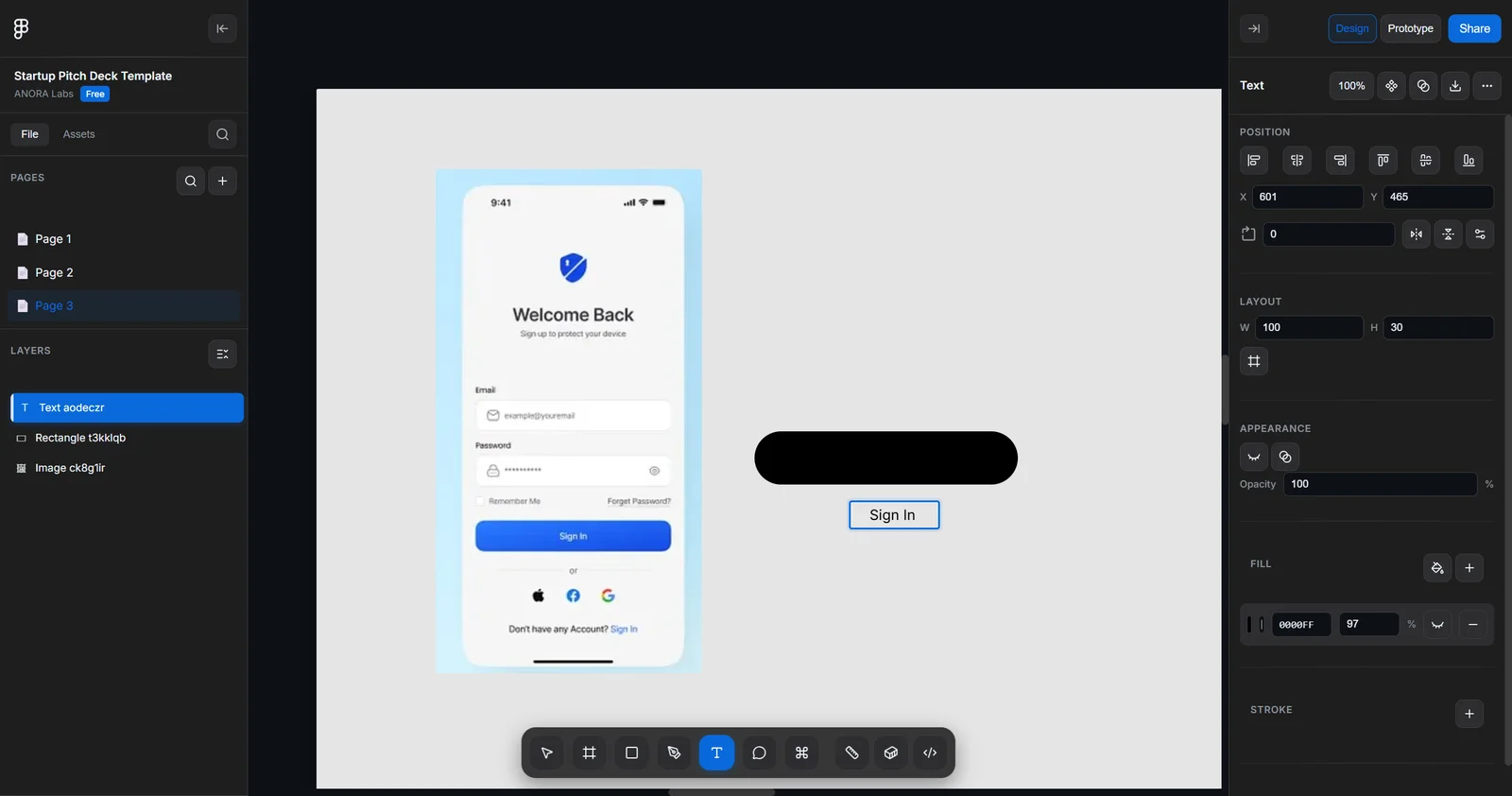
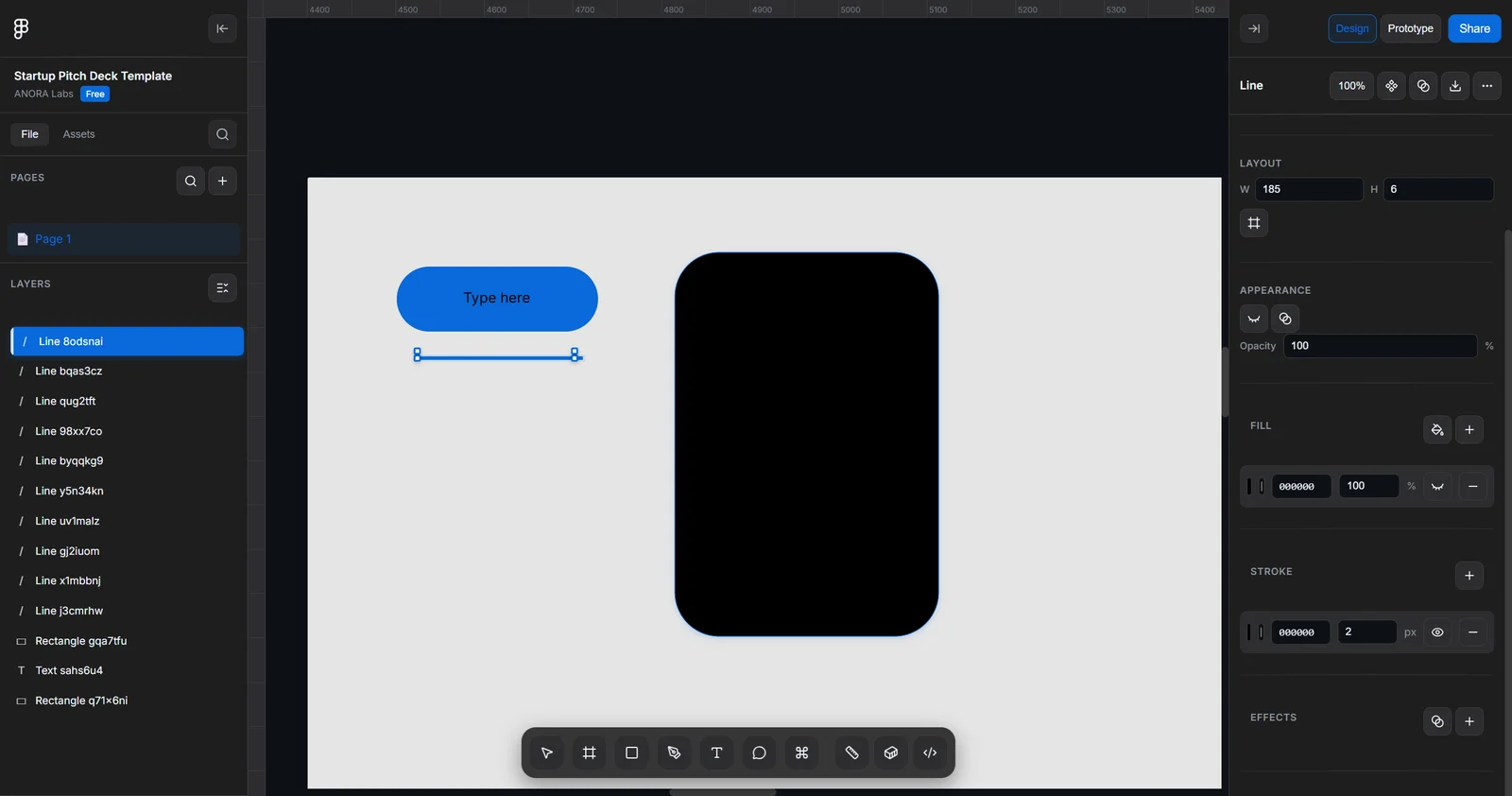
- A browser-based Figma-inspired design editor built entirely with vanilla HTML, CSS, and JavaScript, featuring an interactive infinite canvas, professional design tools, shape manipulation, image assets, comments, effects, multi-page projects, and PNG export.
- Key Features
- 🎨 Design Editor: Create and manipulate rectangles, ellipses, lines, arrows, polygons, stars, paths, and text
- 🖱️ Interactive Canvas: Infinite canvas with smooth pan, zoom, selection, resizing, and transformation controls
- 📐 Design Tools: Multi-selection, alignment, rotation, flip, stroke, fill, opacity, and corner-radius controls
- 🖼️ Image Management: Upload, paste, preview, and reuse images through a dedicated assets gallery
- 💬 Comments System: Place persistent comments directly on canvas elements for design feedback
- ✨ Effects System: Configurable drop shadows with X, Y, blur, spread, color, and opacity controls
- 📄 Multi-Page Projects: Create, switch between, search, and manage multiple design pages
- 🔍 Dynamic Search: Search project content with highlighting and automatic canvas focusing
- 📤 PNG Export: Render designs to canvas and export them as PNG images
- 💾 Local Persistence: Automatically saves project data in browser LocalStorage
- ⌨️ Keyboard Shortcuts: Figma-style shortcuts for tools, selection, zooming, and command actions
- 📱 Responsive UI: Adaptive interface with collapsible sidebars and floating controls
- Technical Highlights
- Built the entire editor using vanilla JavaScript without frontend frameworks
- Implemented a centralized application state for tools, shapes, selections, comments, pages, assets, and canvas configuration
- Developed a unified shape-rendering system with SVG generation for complex shapes such as arrows, polygons, and stars
- Implemented multi-selection, drag positioning, resizing, alignment, rotation, and horizontal/vertical flipping
- Built a configurable effects system using CSS filters for real-time drop-shadow previews
- Implemented a 10%–400% zoom system with zoom-to-fit and zoom-to-selection functionality
- Developed browser-based persistence using LocalStorage with debounced saving to reduce unnecessary writes
- Integrated the File API and Clipboard API for image uploads and clipboard-based image insertion
- Implemented PNG export through HTML5 Canvas rendering
- Used CSS transforms and hardware-accelerated animations for smoother canvas interactions
- Built responsive sidebars, inspector panels, toolbars, and micro-interactions to closely reproduce a professional design-tool workflow